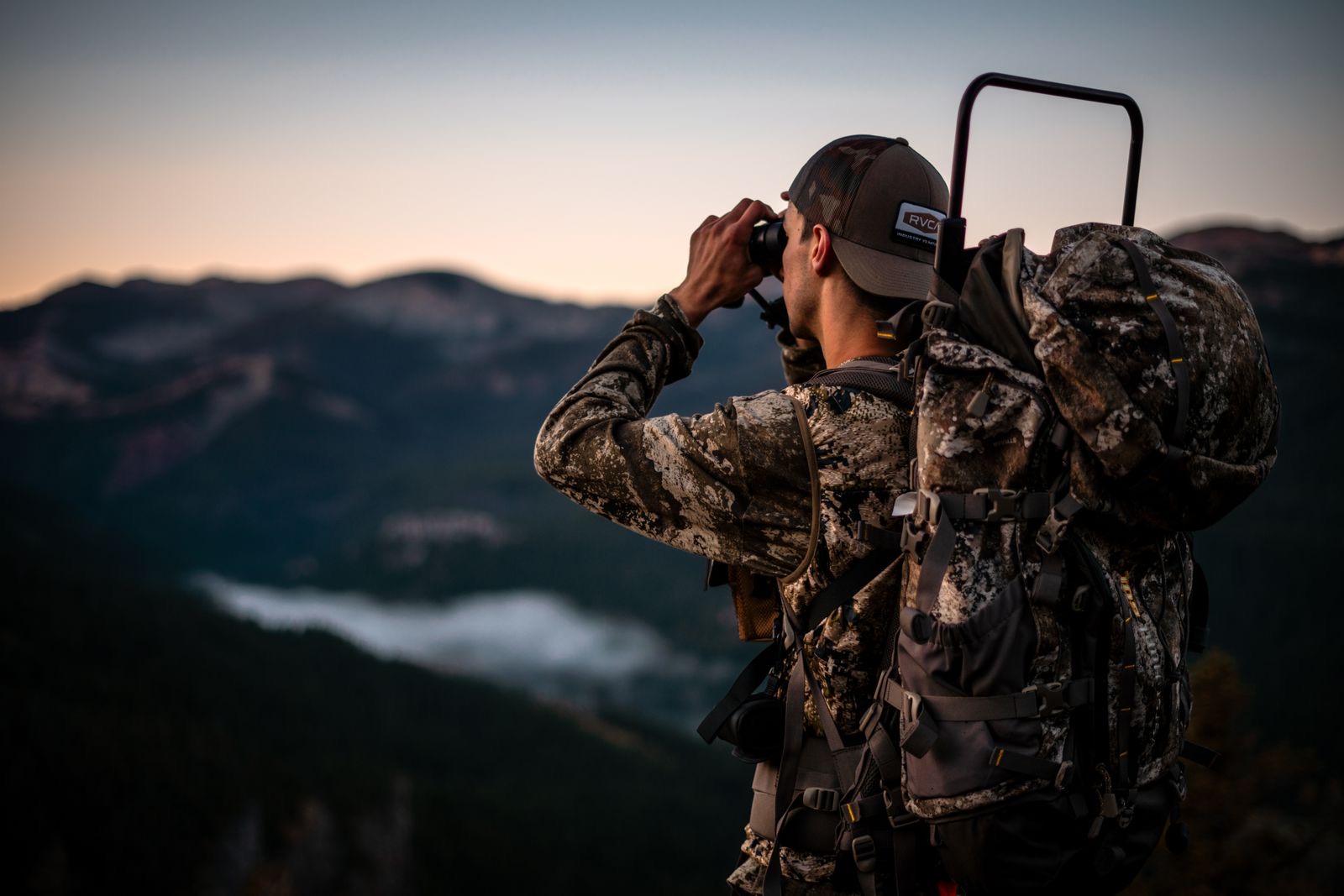
Stop guessing who made it to their stand.
Weather turns, someone fills a tag early, a new hunter wanders off the trail. With your party sharing their location, a glance at the map tells you where everyone is and when they last moved.
- Live on the mapEach person shows as their own colored pin with their name and status (In stand, Glassing, Packing out, Headed back).
- Updates every 5 seconds on the moveEvery 5 seconds while someone is walking, every 30 seconds while they sit still, so the battery lasts the day.
- Last known location when signal dropsIf someone loses cell service, their pin stays where they were last seen, marked with how long ago. It picks back up the moment they get signal.
- Private to your huntOnly people in that Shared Hunt can see it. Never public, never on anyone else's map.
Team right now
Example of the Team tab in a Shared Hunt.
When someone isn't back by dark.
The worst part of deer camp is the hour after dark when one headlamp is missing. Instead of a guess and a flashlight search, you open the map and start with real information.
Check-in times
Each hunter sets a "back by" time, or taps At dark for 30 minutes after sunset where they are. If that time passes before they mark At camp or Done for day, everyone in the hunt gets an alert with their last known location.
One-tap SOS
Hurt, lost or in trouble? The SOS button alerts the whole party at once with your position, whatever their notification settings, and starts sharing your location if it wasn't on.
Go straight to them
Tap a name to fly the map to their pin, then navigate there with the Hunt Map's own tools, over the same public land, units and trails you scouted.
Set up in two minutes at the truck.
Start a Shared Hunt
On the Hunt Map, tap Shared Hunt, then Create hunt for this trip. You get a short invite code and link.
Invite your party
Send the code. Each person joins with their own HuntsUnited account. Anyone can join to plan and chat; to share and see live locations, each person needs their own Member.
Turn on sharing
Each hunter switches on Share my live location under My status on the Camp tab. Nobody's location is shared until they turn it on themselves.
Set a check-in
Pick a back-by time or tap At dark. Mark At camp when you're back and the check-in is done.
Comes with Member.
Live locations and check-ins come with Member (and Guide Pro for guides). Each person who wants to share and see the party's pins needs their own membership; there are no family or group seats. Member also brings private land boundaries and landowner names, and Member adds unlimited Shared Hunts and activity estimates.
Location Sharing FAQ
Who can see my location?
Only the people in that Shared Hunt, and only while you have sharing turned on. It never appears on your public profile, on anyone else's map, or in search. Guides only see it if you're in their hunt.
How do I turn it on and off?
In the Shared Hunt, open the Camp tab and use the Share my live location switch under My status. Switch it off any time. Leaving the hunt also stops it, and the organizer can remove anyone from the hunt.
Does it turn itself off?
Yes. Sharing stops by itself at midnight your time, so you never keep broadcasting by accident. Turn it back on the next morning.
What happens when someone loses cell service?
Their pin stays at the last place we heard from them, with how long ago that was (for example "last known 14 min ago"). When their phone finds signal again, it updates on its own.
How many people can share?
Up to 24 people per hunt, each on their own Member.
How often does it update?
Every 5 seconds while someone is moving, and every 30 seconds while they're sitting still.
Does everyone need an account and a membership?
Yes, each person needs their own. Everyone joins with their own HuntsUnited account so the party knows who each pin is. To share your location, see everyone else's and set check-ins, you need your own Member (Guide Pro for guides). One person's plan doesn't cover the rest of the party. Members without one can still join the hunt to plan and chat, and they still get SOS and missed check-in alerts.
Does it work with my phone locked?
In the HuntsUnited phone app, yes: sharing keeps going in your pocket after you allow location in the background. In a web browser, phones pause location when the screen locks, so keep the Hunt Map open.
How do check-in alerts work?
Set a back-by time (or tap At dark). If it passes and you haven't marked At camp or Done for day, everyone else in the hunt gets one alert by notification and email, with your last known location. Mark yourself back, or set a new time, and it clears.
Do you keep where I've been?
We keep a light trail (about one point a minute) so your party can find you, and delete it automatically after 30 days. See Privacy: Location.